Terminals: A good use of space (and worth learning)
Back to terminals.
I was checking my inbox today and noticed how much smaller my list of unanswered email messages looked in my terminal-based client versus my provider’s browser-based webmail interface.
It got me thinking about the conventions around the usage of screen real-estate in applications.
For comparison, I also opened a desktop GUI email program.
Here’s the required real estate for each applicaton (outer box) as compared to the actual email inbox list (inner box):
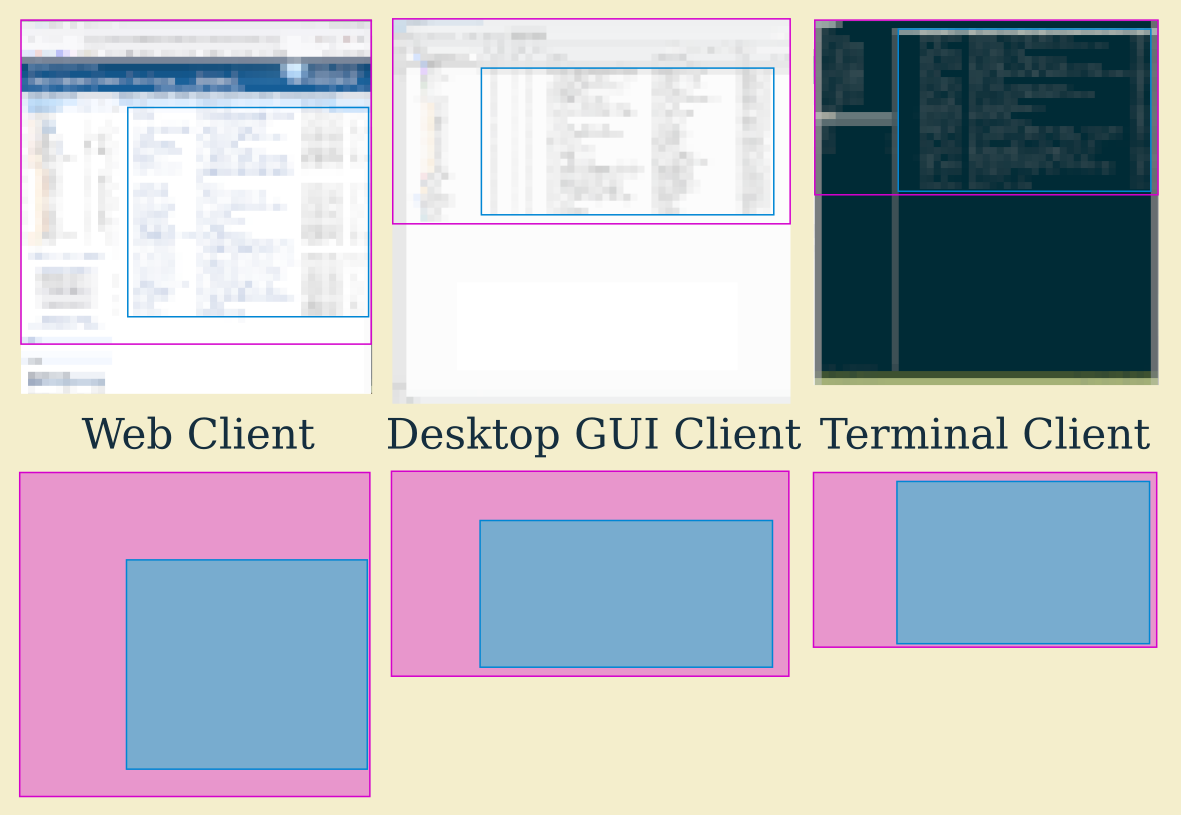
I have heavily pixelated these screenshots because I don’t want to get bogged down in the details about which programs these are. All three of these applications are customizable and maybe the biggest could become the smallest with some tweaking.
It’s also worth noting that the web client is at a huge disadvantage because the browser interface is out of the developer’s control entirely. Also, the "mobile" version of the web client is the most compact and the browser nearly disappears. So, again, don’t get twisted into knots thinking about these specific examples too hard.
The interesting part, to me, is the expectation of the use of space in these three different interface types.
I expect the terminal client to pretty much just give me "the data" and keep the interface to a minimum. Many or even most terminal mail clients are basically just the data and a command line or list of shortcuts at the bottom, so the inner box and outer box would be almost identical.
Efficient to the bone
Truth be told, the visuals are just cosmetic. The important differences run deeper:
I expect to drive the terminal client with the keyboard. I expect it to take some time to learn and then be faster forever after. I expect the appearance and layout of the terminal client to not change very much over time.
By contrast, I expect the web client to be mostly point-and-click and intuitive to use, but not reward learning how to use it beyond the basics. I expect the interface to change anyway.
I expect the desktop GUI client to be somewhere between these two extremes.
That’s why I like terminal software.